Last Updated: November 8, 2026
Quick Summary
The best vacation rental security systems for high-end properties combine entry-point coverage on every exterior door and ground-floor window, cellular and battery backup, and access management tied to smart locks so every code is traceable to a booking. ADT, SimpliSafe, Abode and Frontpoint are the four most commonly compared systems for premium short-term rentals.
- A premium setup tells you which door opened and which guest code opened it.
- Place cameras on exterior entry points, driveways and gates, never inside living spaces.
- Choose smart locks that issue unique per-booking codes and expire them at checkout.
- Professional monitoring converts an alert into an action when you are in another time zone.
- Confirm in writing whether cellular backup is included before accepting any quote.
Table of Contents
- Quick Comparison: Top Vacation Rental Security Systems in 2026
- ADT vs SimpliSafe vs Abode vs Frontpoint for Premium Rentals
- Smart Locks for Vacation Rentals: Access Without Key Handoffs
- Security Cameras for Vacation Rentals: Placement That Respects Guest Privacy
- Why a Monitored Alarm System for Rental Property Changes Your Risk Profile
- Vacation Rental Security Best Practices for Remote Owners
- What It Really Costs to Secure a Premium Property
- Build Your Security Stack With Marquis Stays Property Management
- Frequently Asked Questions
Quick Comparison: Top Vacation Rental Security Systems in 2026
Choosing the best security systems for high-end vacation rental properties starts with one distinction: the system must protect the asset without intruding on the guest experience. That balance is where most off-the-shelf packages fall short. At Marquis Stays Property Management, we manage luxury homes across Potrero, Tamarindo, La Fortuna and Guanacaste, and we evaluate every system against three tests: coverage of entry points, reliable alerts when nobody is on site, and respect for guest privacy.
Below is how the four most commonly compared systems stack up for a premium short-term rental.
| System | Monitoring | Best For | Watch Out For |
|---|---|---|---|
| ADT | Professional | Owners who want a monitored setup | Pricing requires a direct quote |
| SimpliSafe | Professional optional | Customizable coverage | Hardware packages priced in USD |
| Abode | Self or professional | Flexible, low monthly cost | Limited local support |
| Frontpoint | Professional | Custom configurations | Fewer verified equipment details |
What Separates a High-End Setup From a Basic One
A basic system tells you a door opened. A high-end vacation rental security setup tells you which door, which guest code opened it, and whether the cleaner or a stranger is on site. The difference is integration, not hardware count.
Three elements define the premium tier. First, entry-point coverage on every exterior door and ground-floor window. Second, cellular and battery backup so the system reports during an outage. Third, access management tied to smart locks, so every code is traceable to a booking. A system without those three is a starter kit, not a premium one.
ADT vs SimpliSafe vs Abode vs Frontpoint for Premium Rentals
No single winner fits every property. The right choice depends on how remote you are, how much you want to configure yourself, and whether you want a monitoring center answering alerts or your own phone. For a high-end short-term rental, the decision also hinges on three factors most roundups ignore: whether the system supports cellular backup, whether it integrates with smart locks and property-management workflows, and what the total three-year cost looks like in colones rather than the sticker price of a starter kit.
Pros and Cons at a Glance
- ADT: Strong monitoring reputation and broad ecosystem; pricing requires a quote, contract terms matter, and local service response should be verified.
- SimpliSafe: Easy to customize and self-install; hardware costs are quoted in USD, so confirm landed cost in CRC including duties and local taxes.
- Abode: Low or zero monthly cost and simple setup; self-monitoring shifts response to you, and smart-lock integration needs configuration.
- Frontpoint: Flexible configuration; less verified equipment detail to compare, so insist on a written breakdown.
What most guides miss is that hardware price is the smallest part of the decision. The monitoring contract term, the response protocol, and the cost of cellular backup matter more for a property that sits empty between bookings. A system that saves CRC 50,000 on hardware but locks you into a three-year monitoring contract at a higher monthly fee can cost more over the life of the property than a slightly more expensive kit with no lock-in. Before you choose, map each system against your property's entry points, your connectivity situation, and your smart-lock plans, because a system that cannot integrate with your access management is only half a security stack.
Smart Locks for Vacation Rentals: Access Without Key Handoffs
Smart locks for vacation rentals remove a common security gap in short-term hosting: the physical key. Every key handoff creates a copy, a lost key, or a late-night lockout. A code-based lock eliminates all three.
For a premium property, choose a lock that issues unique codes per booking, expires them automatically at checkout, and logs every entry. That log is your audit trail. If a guest reports a missing item, you can see exactly which codes were used and when. Pair the lock with a mobile app so you can revoke a code the moment a booking changes.
One practical caution: confirm the lock works with your property management platform before you buy. A lock that cannot sync with your booking calendar creates manual work, and manual work is where remote owners lose control.
Security Cameras for Vacation Rentals: Placement That Respects Guest Privacy
Security cameras for vacation rentals belong on the exterior, aimed at entry points, driveways and gates. They do not belong inside living spaces, and placing them there creates legal and reputational risk.
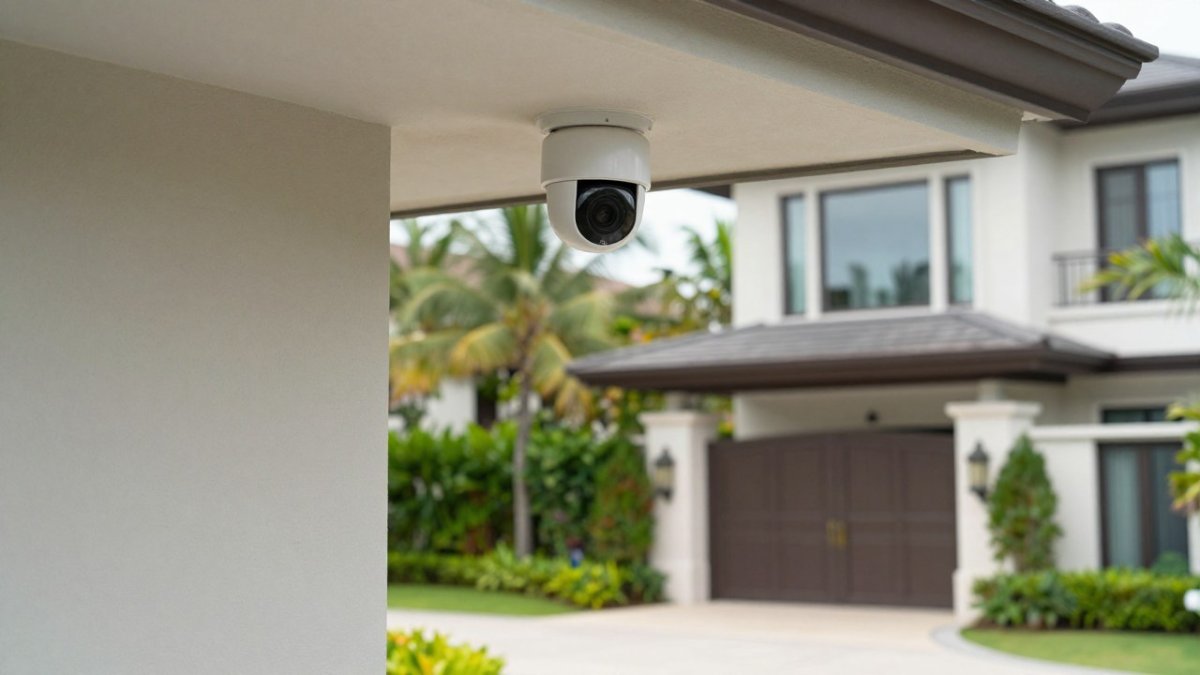
Guest privacy matters for both guest trust and property management standards. Our rule for every property we manage is simple: cameras face outward, guests are told where they are, and no device points at a pool, bedroom window or private terrace.
Camera placement that works:
- Front gate and driveway, covering arrival and departure
- Main entrance door, at head height
- Pool equipment and storage areas, never the pool itself
- Service entrance used by housekeeping and maintenance
Video monitoring with real-time alerts closes the gap between bookings, when a vacant property is most exposed.
Why a Monitored Alarm System for Rental Property Changes Your Risk Profile
A monitored alarm system for rental property converts an alert into an action. A self-monitoring system sends a notification to your phone. If you are asleep in another time zone, that notification does nothing.
Professional monitoring means a response center receives the signal and can act on it according to your instructions. For a remote owner, that can be the difference between knowing a break-in happened and responding to it.
Self-monitoring still has a place. If you have a trusted local contact and reliable cellular coverage, a self-monitored system with real-time alerts can work. The trade-off is response time, and response time is everything during an intrusion.
If you are weighing whether to keep running the property yourself, our guide to the common pitfalls of self-managing Costa Rican vacation homes is worth reading before you decide.
Vacation Rental Security Best Practices for Remote Owners
Remote property management succeeds or fails on systems, not vigilance. You cannot watch a house from another country, so the house must report to you.
Start with a layered approach: perimeter cameras, entry sensors on every door and window, motion detectors in hallways, and a monitored alarm as the backstop. Add smart locks with per-booking codes and a written camera disclosure in your listing. Test the cellular backup quarterly, because a system that dies in a storm is not protection.
For owners managing from abroad, our guide to managing vacation rentals from abroad covers the operational side in more depth, and how to manage luxury rentals remotely walks through the full remote playbook beyond security alone.
Watch out: a system installed once and never tested can fail unnoticed. Batteries die, Wi-Fi changes, and the owner discovers the gap only after an incident.
What It Really Costs to Secure a Premium Property
Total cost of ownership for a premium property has four parts: equipment, installation, monitoring fees, and replacement. Equipment and monitoring are the visible costs. Installation and replacement are where budgets quietly break, especially for a property with multiple buildings, a gate, a pool, and a detached garage.
Pricing depends on property size, entry-point count, and monitoring plan. For current prices or a quote tailored to your property, contact Marquis Stays Property Management directly.
When requesting a quote, ask for a written breakdown that separates hardware from the monthly fee and states the contract term, so you can compare options on a like-for-like basis.
Watch out: the cheapest quote often excludes cellular backup, which is the one feature that keeps a vacant property protected during an outage. Confirm in writing whether cellular backup is included, what the monthly cost is, and how the system behaves when Wi-Fi drops.
To judge whether the security spend pays off, estimate what the property can earn. Our rental income calculator gives you a working figure, and our breakdown of property management fees shows the wider cost picture so security sits in context.
Build Your Security Stack With Marquis Stays Property Management
Security is one layer of a larger operation, and the layers only work when someone coordinates them. That is the gap we fill for remote owners. Marquis Stays Property Management handles guest communication, check-ins, housekeeping and maintenance, and owners get clear reporting and visibility into their property.
If your property is running on guesswork, start with a conversation about how it should be protected.
A high-end rental deserves a security setup that works while you are thousands of kilometres away. Marquis Stays Property Management combines full-service management for remote owners with data-driven revenue optimization, five-star guest care and operational excellence that protects the asset. Get started with Marquis Stays Property Management and secure your property without sacrificing the guest experience.
Frequently Asked Questions
What security system is best for a vacation rental property?
There is no single winner because the right fit depends on whether you want professional monitoring, how remote the property is, and how much you want to manage yourself. For a high-end rental with remote owners, a monitored alarm system for rental property paired with smart locks and exterior cameras covers the three biggest risks: intrusion, unauthorized access, and liability. Compare equipment costs, monitoring terms, and whether the system works during a power or internet outage before committing.
Can vacation rental hosts install security cameras?
Yes, but placement and disclosure matter more than the hardware. Cameras belong on exterior entry points, driveways, and shared outdoor areas, never inside bedrooms, bathrooms, or private guest spaces. Disclose every camera location in the listing and in the rental agreement, and make sure recording and retention follow local data protection rules. A camera pointed at a neighbor's property or a private terrace creates liability instead of protection.
Are smart locks better than keys for vacation rentals?
For high-end rentals, smart locks usually win. They let you issue a unique access code per guest, revoke it automatically at checkout, and see who entered and when without a key handoff. That removes the lost-key problem, the lockbox risk, and the awkward meet-and-greet. Choose a model with a physical key backup and battery backup so a dead battery or outage does not lock guests out, and keep a documented override process for your management team.
Do vacation rentals need professionally monitored alarm systems?
Self-monitoring works if someone is always available to respond to an alert. Remote owners usually are not, especially across time zones. Professional monitoring routes alarms to a response center that can dispatch help and notify you, which shortens the gap between an event and action. For a premium property with high-value contents and a steady guest turnover, monitoring is generally worth the monthly fee. Check that the provider offers cellular backup so the system stays live when internet or power fails.